Shared Contact Database for Teams: How Rolodex Works
Every team has a network that is larger than anyone realizes. The problem is that it is split into individual pieces: this person's Gmail contacts, that person's LinkedIn connections, someone's phone, and a spreadsheet nobody has updated in months. When a team member needs to reach someone at a target company, the process is the same everywhere, send a message to the group, wait, and hope someone responds before it becomes embarrassing to follow up cold.
A shared contact database solves this. Instead of contacts living in separate tools across individual team members, a shared contact database consolidates the whole team's network into one searchable place where everyone can see who you collectively know, add context, and coordinate outreach.
Rolodex is built to be that shared contact database for teams. This article explains why the problem exists, what Rolodex does about it, and how teams typically get started.
Why teams need a shared contact database
Most contact management starts and ends with the individual. A salesperson has their CRM. A founder has their contacts app. A recruiter has their applicant tracking system. A business development lead has their inbox. Each of these tools works fine for one person. None of them was designed to give a team shared visibility into who they collectively know.
The cost of that gap is concrete. Someone spends three weeks pursuing a cold introduction to an executive at a target company, not knowing that a colleague has been close with them for years. Two team members reach out to the same person in the same week, each unaware the other was already managing that relationship. A key account goes quiet after someone leaves the company, because all the relationship context lived in their personal inbox and left with them.
These are not edge cases. They happen regularly on any team where contacts are siloed, and they compound over time. The more the team grows, the more network overlap there is, and the more invisible that overlap becomes.
A shared contact database changes the unit of analysis from "my contacts" to "our contacts." It makes the whole team's network visible, searchable, and usable by anyone, not just the person who happened to build the relationship in the first place. The team stops working from individual contact lists and starts working from a shared view of who they collectively know.
What a shared contact database looks like in Rolodex
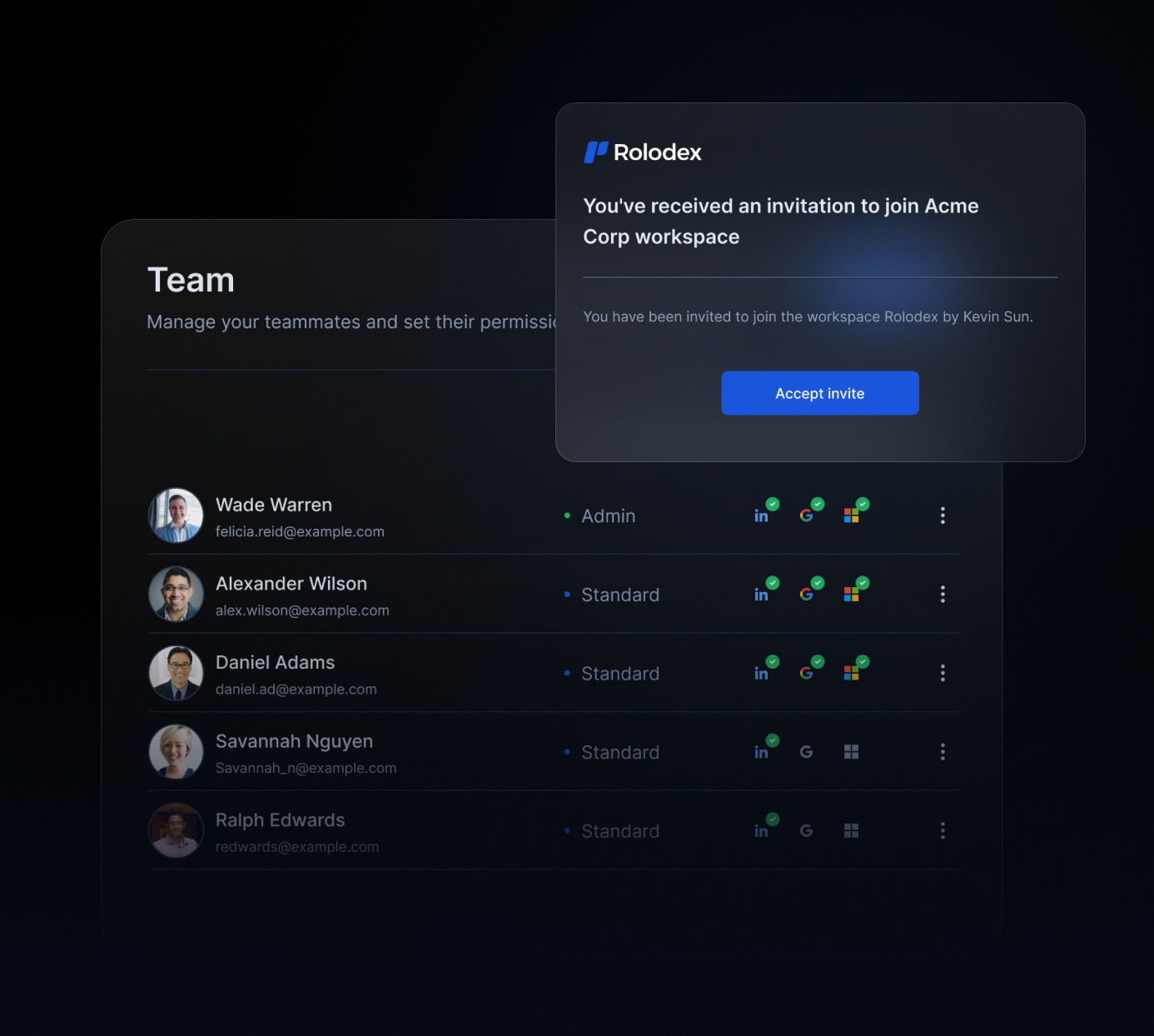
Rolodex builds the shared contact database automatically from tools the team already uses. When team members connect their Gmail, Outlook, LinkedIn, and calendar accounts, Rolodex pulls contacts from each source, merges duplicates, and creates a unified database that the whole team can access from one workspace.
Each contact profile includes the full interaction history: who on the team has spoken with them, when the last touchpoint was, and any notes team members have added along the way. When someone logs a note after a call, every team member can see it immediately. When a team member leaves, their relationship context stays in the database rather than disappearing with their laptop.
The database grows as the team works normally. No one needs to manually enter contacts, update records, or maintain a spreadsheet. The system gets more complete and more useful over time without requiring any dedicated maintenance.
What distinguishes a shared contact database from a typical CRM is what it actually tracks. A CRM tracks deals, pipeline stages, and revenue metrics. A shared contact database tracks relationships: who knows who, what the history looks like, and what the current state of the relationship is. For many teams, those are different things, and they only need the second one.
How your team uses a shared contact database day to day
Once contacts are consolidated into one shared place, the way the team works with relationships changes in several practical ways.
Check who knows who before reaching out cold. Before anyone sends a first message to a new contact, they check the shared database first. If a colleague already has a relationship there, or if there is a path through a shared connection, the right approach is a warm introduction rather than a cold message. Warm introductions produce measurably better response rates, and a shared contact database is what makes them systematic rather than accidental. The question changes from "does anyone know someone there?" to checking directly and finding the answer in seconds.
Coordinate so nobody duplicates outreach. When multiple team members are working contacts at the same company or account, they can see each other's activity and coordinate before sending anything. Nobody floods the same person with two separate messages from two separate colleagues in the same week. Nobody spends time building a relationship that a teammate is already managing.
Keep relationship context when the team changes. When a new team member joins, they can immediately see the full history of relationships the team has built, not just their own. When someone leaves, their contacts and any notes they contributed stay in the shared database. Relationship context becomes an organizational asset rather than something that walks out the door with each departing employee.
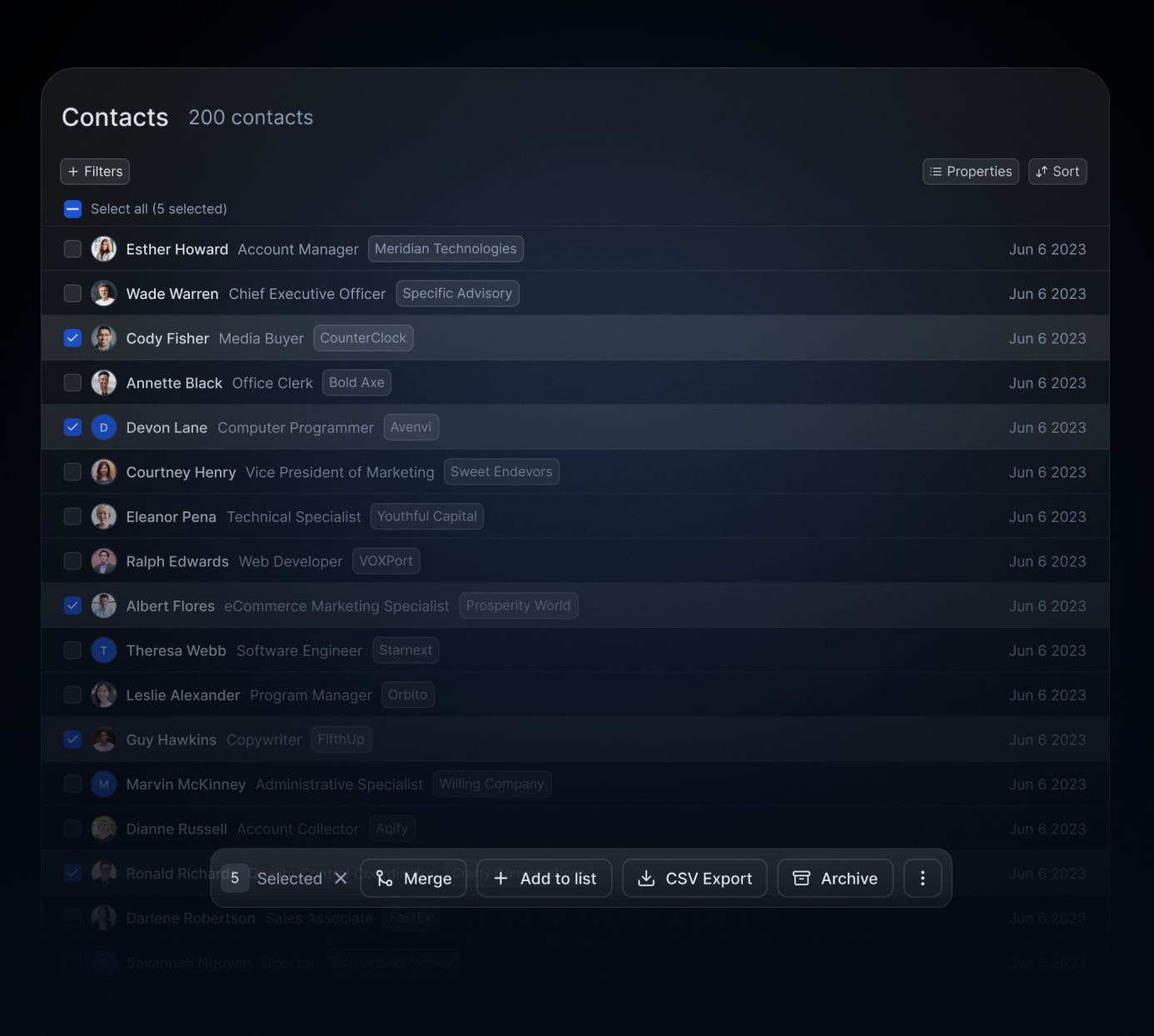
Find the right contact for any situation, fast. Search the whole team's network by company, role, location, tag, or relationship status. If you need every contact at a specific account, or every investor the team has spoken with in the past 18 months, filters surface them in seconds. No Slack message needed. No waiting for someone to remember whether they know someone.
Shared contact database vs. a CRM: understanding the difference
When teams decide they need better contact management, the default move is to set up a CRM. CRMs are well understood, widely available, and built for this category of problem. They are also often the wrong tool for teams that are not running a formal sales process.
CRMs are built around transactions. They organize contacts into pipeline stages, associate them with deal values, and measure outcomes in revenue terms. That architecture makes sense for sales teams running a structured process. It creates overhead without equivalent value for teams whose relationship work does not map to deals: investor relations, recruiting, partnerships, business development, advisory relationships, community management.
For those teams, Rolodex is the CRM alternative that fits the actual work. As a relationship intelligence platform, it is organized around relationships rather than transactions. There are no pipeline stages to configure, no deal values to enter, and no revenue forecasting to maintain. The structure is lighter, the setup is faster, and ongoing maintenance is minimal because the system builds itself from connected accounts rather than requiring manual data entry.
The trade-off is intentional. Rolodex is not trying to replace a full sales CRM for teams that need one. It fills a specific gap: a shared contact database where the whole team can see who you collectively know, maintain relationship context over time, and coordinate on the relationships that matter without the overhead of a pipeline tool. For teams that need network management software built around relationships rather than stages, it is the right fit.
How to build a shared contact database with Rolodex
Setting up Rolodex takes most teams under 20 minutes.
Create a workspace and invite your team. Each person connects their Gmail, Outlook, and LinkedIn accounts. Rolodex consolidates the contacts from every source, merges duplicates across team members, and builds the shared database automatically. You can also import a CSV export from LinkedIn, bring in contacts from an existing CRM, or upload any spreadsheet of contacts you have been maintaining manually.
Once the database is populated, the team can start using it immediately: searching for contacts, viewing interaction history, adding notes after meetings, and seeing how your collective network is connected. Most teams describe the same experience in the first few days: someone searches a target company they have been trying to reach, finds a strong connection through a colleague they never thought to ask, and gets the warm introduction that would have otherwise taken weeks to arrange through cold outreach.
Create your shared contact database in Rolodex and give your team a single view of who you collectively know. If you want to see how other teams have set it up, book a demo and we can walk through the setup and answer any questions about fit.