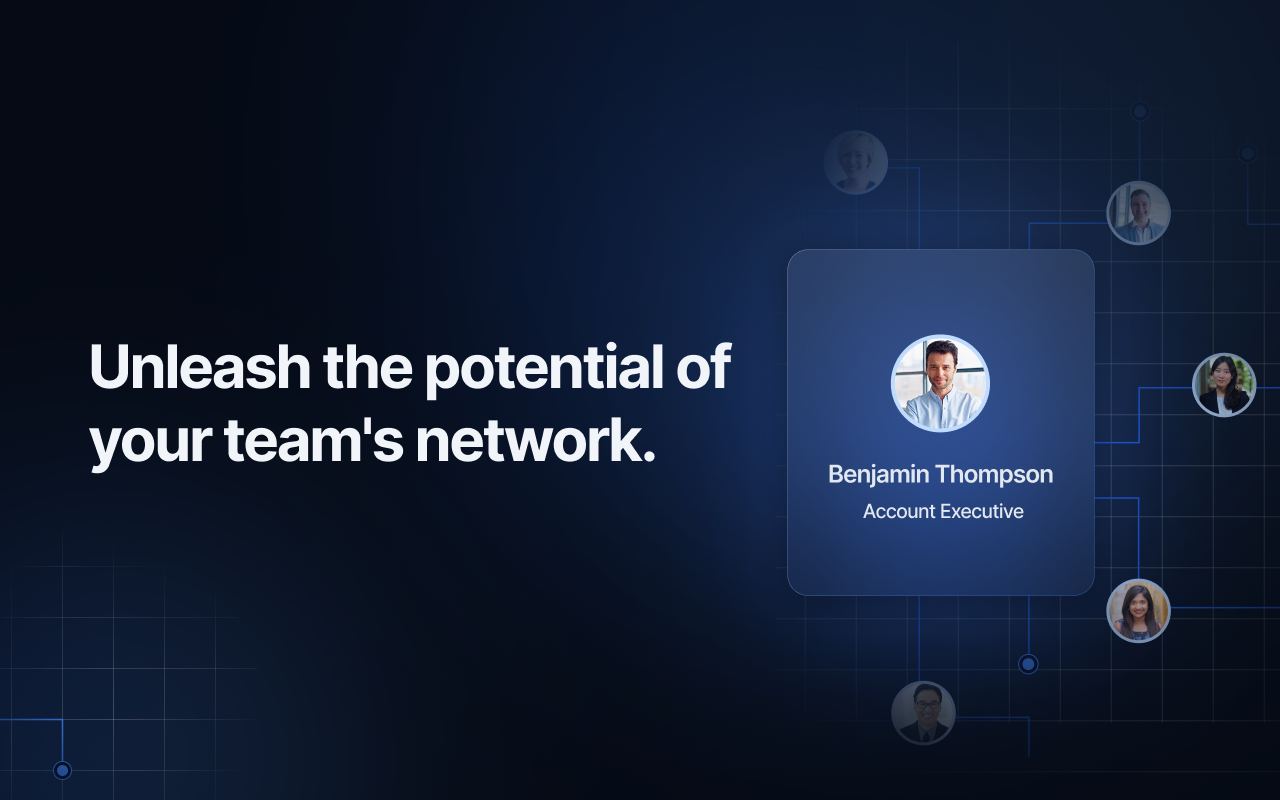
Most teams have the same invisible problem. Their strongest contacts, investors, partners, advisors, clients, senior connectors, are locked inside individual inboxes and personal LinkedIn accounts. The founder knows people nobody else on the team has ever heard of. The partnerships lead has warm relationships that never make it into a shared system. When someone needs an introduction, the process is a Slack message and a hope.
Sharing your network with your team means making those personal connections visible and usable by everyone, so warm introductions happen faster, relationship context does not disappear when someone leaves, and the whole team can work from the same picture of who knows who. Not a CSV dump. A live, shared workspace where contacts, interaction history, and relationship context are accessible to whoever needs them.
This guide covers why it matters, how to identify which contacts to start with, and how to set it up in Rolodex so the shared network actually holds up over time.
Why a shared network makes your whole team more effective
The core argument is simple: warm introductions close faster and land better than cold outreach. Most teams know this. What they do not have is a reliable way to surface which warm paths exist before anyone sends the first message.
Without a shared network, every outreach decision starts from scratch. A teammate researches a target, writes a cold email, waits. Meanwhile, a colleague had coffee with that same person last quarter and would have been glad to make the introduction. The warm path was there. Nobody knew to look.
A shared network fixes this by making relationship context visible across the team. Who knows who, when they last connected, what the history looks like. Before anyone reaches out cold, the team can check whether a warmer path exists and who owns it.
Beyond introductions, shared relationship context prevents the institutional loss that happens when someone leaves the team. Their contacts and interaction history stay in the workspace, not in their personal inbox or memory. Whoever picks up those relationships has the full picture from day one, not a cold contact list with no context attached.
How to identify which contacts to share first
Not every contact in someone's personal network needs to go into a shared workspace. A useful starting point is asking: which contacts could create value for more than one person on the team?
Good candidates:
Investors and advisors whose support or introductions could benefit the whole team, not just the person who manages the relationship
Key partners and potential partners whose work intersects with multiple people's projects or goals
Clients and former clients where the relationship should survive any individual team member changing roles or leaving
Senior connectors, people with broad networks who are genuinely willing to make introductions when asked
Candidates and hiring contacts in active pipelines that the whole recruiting team needs to see
The goal is not to share everything. It is to identify the relationships where shared visibility creates real value and start there. A curated shared network of 100 well-documented contacts is more useful than 2,000 contacts with no context. Start focused and expand as the habit takes hold.
In Rolodex, create a dedicated contact list for these shared contacts. "Shared Network," "Team Contacts," or whatever naming convention your team will actually use. This list becomes the foundation for everything else.
Setting up your shared network in Rolodex
Once you know which contacts to bring in, the setup in Rolodex takes a few minutes per person and runs automatically after that.
Connect accounts and pull in contacts
Rolodex pulls contacts automatically from connected Gmail, Outlook, and LinkedIn accounts. When team members connect their accounts, their contacts and interaction history flow into the shared workspace without manual data entry or CSV uploads. Every new email, meeting, or LinkedIn connection syncs going forward, so the shared network stays current without anyone maintaining it.
For contacts being actively shared, enrich the profile with a LinkedIn sync: one click pulls in the contact's current title, work history, location, and photo. A contact that was just an email address and a phone number becomes a complete profile the whole team can work from.
Add notes directly on the contact profile to capture context the record will not show automatically: how the relationship started, what the last conversation covered, what the contact cares about right now. This shared context is what makes a contact list useful rather than just organized.
Invite teammates and set up visibility
Invite team members to the workspace and add them to the relevant contact lists. Rolodex's permission settings give you control over who can view, add, or edit contacts, so you can open the shared network broadly or keep certain relationships visible only to the people who need them.
Once the workspace is live, everyone on the team can see the full picture without asking. Who knows who, when they last interacted, and what the notes say. The question "does anyone know someone at that company?" becomes something you can answer yourself by checking the workspace instead of sending a Slack message.
Putting the shared network to work
A shared network is most useful when it is connected to active work. Two workflows that make the most difference:
Warm introductions before outreach. Before any targeted outreach push, check the shared workspace to see who on the team already has a relationship with the people you need to reach. Rolodex's Org Chart feature shows which teammates have relationships inside a target company and at what level, surfacing warm introduction paths before anyone sends a cold message. When a colleague has a genuine relationship with your target contact, using that path first is almost always worth it.
Assigning and coordinating follow-ups. Create tasks directly on contact profiles to coordinate who handles which relationship. When a teammate takes ownership of an introduction or a next step, it is visible to the whole team, no duplication, no gap, no "I thought you were handling that." After any significant interaction, log a note on the profile to keep the shared record current.
You can also use Rolodex's LinkedIn integration to stay ahead of job changes across your shared contacts. A promotion or new role is one of the clearest natural signals to reach out, and the team sees it without anyone monitoring their LinkedIn feed manually.
Making network sharing part of how the team operates
The setup is straightforward. The value compounds when sharing becomes how the team works rather than something that gets set up once and ignored.
Review the shared network before outreach campaigns or trips. Before a conference, a business trip, or a targeted outreach push, check which contacts in the shared workspace are relevant to where you are going or who you are trying to reach. Rolodex's Map View shows where your contacts are geographically, which makes pre-trip preparation faster. The shared workspace means that preparation is visible to the whole team, not just the person traveling.
Assign primary ownership for important relationships. For the contacts that matter most to the team, designate one person responsible for maintaining the relationship and keeping the profile current. This prevents the situation where everyone assumes someone else is staying in touch.
Keep a loose track of what the shared network produces. Introductions made, meetings booked through warm connections, relationships that moved forward because a teammate had context. This does not need to be a formal reporting process. A brief monthly question, "what warm connections did we use this period?", is enough to make the value visible and reinforce the habit.
The compounding effect is real. A shared network that starts with a few dozen contacts grows into a strategic team asset as notes accumulate, introductions happen, and the team builds a shared understanding of who knows who. Each interaction makes the next one easier.
Set up your Rolodex workspace and start sharing your team's network. Or book a demo to see how other teams use shared network visibility to move faster on introductions and relationship-driven work.